Connect to ModelStack
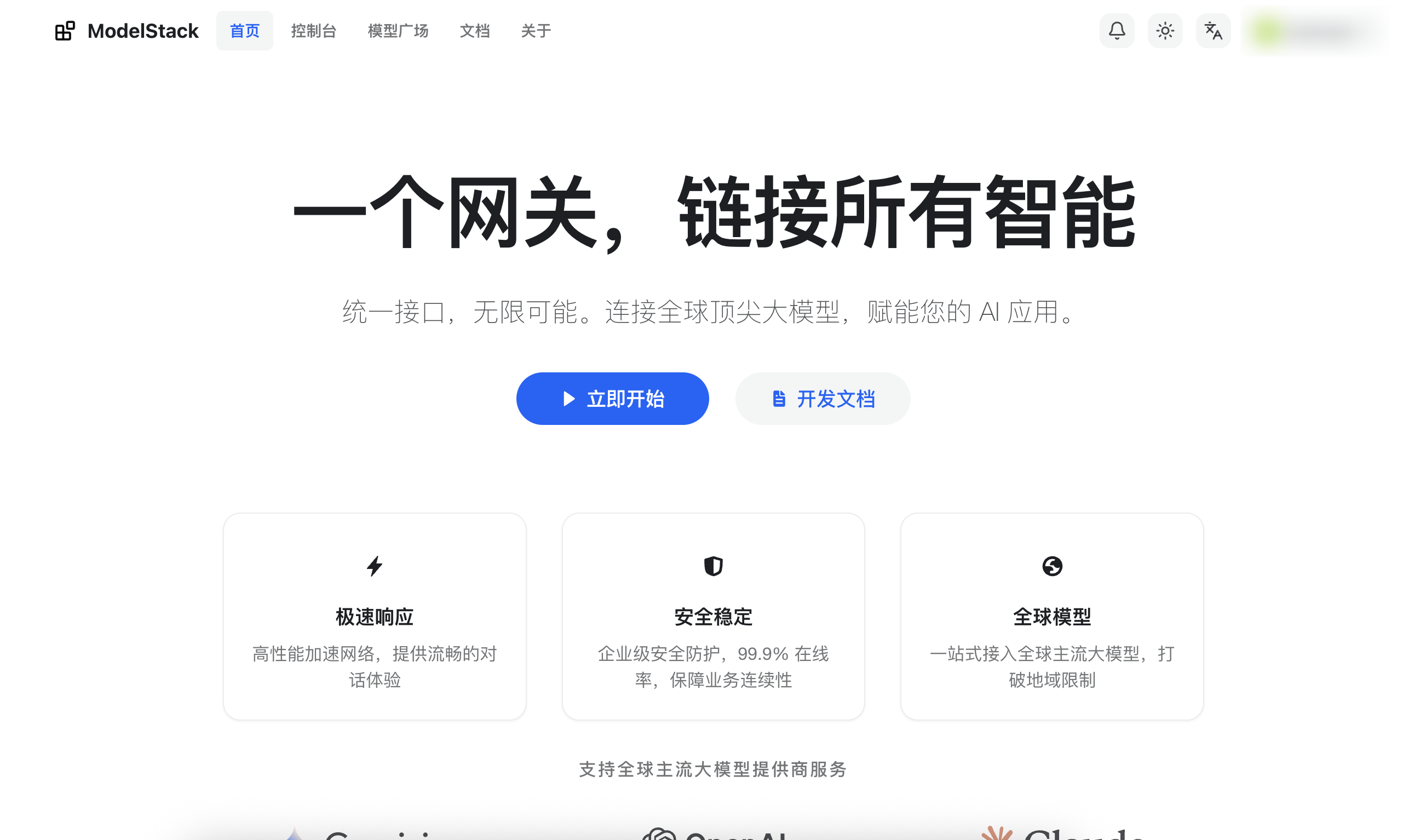
ModelStack is a model service platform that provides rich model resources and API interfaces, supporting various model formats and inference methods. AstrBot will maintain a long-term, in-depth partnership with ModelStack to provide a better model service experience.
AstrBot supports connecting to ModelStack as a model provider, allowing users to access and use various AI model services through ModelStack.
Configuration Steps
Obtain ModelStack API Key
After registering and logging into ModelStack, click "Console" in the top navigation bar, then click "Token Management", and click the "Add Token" button to create a new API Key.
After successful creation, click the copy key button to copy the generated API Key.
TIP
To use the service properly, you may need to make a payment first. If you have any payment issues, please contact i@modelstack.app immediately.
Select a Model
Select the model you want to use from "Model Square" in the top navigation bar.
Connect to AstrBot
On the "Service Providers" page of the AstrBot panel, click "Add Service Provider" and select "OpenAI". (If there is a ModelStack provider available, select "ModelStack").
- Name the ID as
modelstack(or any name you prefer) - Fill in the API Base URL with
https://modelstack.app/v1 - Fill in the API Key with the API Key obtained above
- Fill in the model name with the model name selected above
- Click the "Save" button to complete the creation.
Apply the Model
On the "Configuration" page of the AstrBot panel, find the model section, change the "Default Chat Model" to the ModelStack provider you just created, click the "Save" button to complete the application.